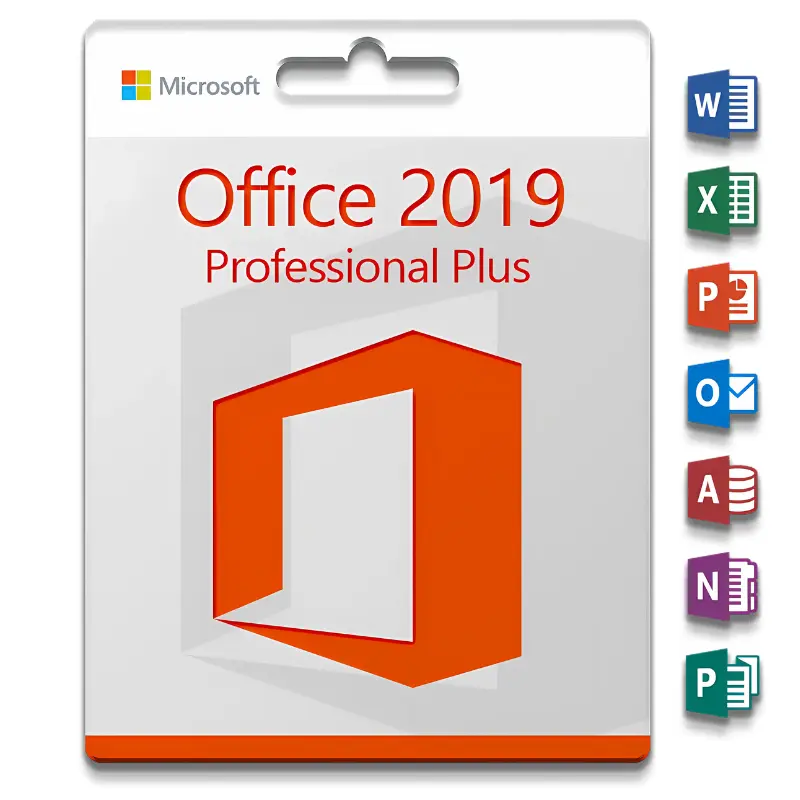
MS Office 2019 Pro Plus
29 $
Description
Looking for an affordable Microsoft Office 2019 Pro Plus license key with a one-time payment and no subscription? This is the standalone version of Microsoft Office 2019 – a proven, reliable productivity suite permanently installed on your PC with no recurring fees. Browse our full range of Microsoft software license keys for more options. Your activation key is delivered by email, typically on the same day as your order.
What’s included in your Office 2019 Pro Plus license
Your purchase includes one Microsoft Office 2019 Professional Plus activation key for one Windows PC. The key is unused, activates through Microsoft’s official servers, and covers a one-time digital download installation with no subscription required. All desktop applications are installed locally on your machine – no internet connection needed to use them after activation.
Office 2019 vs Microsoft 365
| Office 2019 Pro Plus | Microsoft 365 | |
|---|---|---|
| Payment model | One-time purchase | Monthly or annual subscription |
| Ongoing cost | None | Yes, recurring |
| Apps included | Full desktop suite | Full desktop suite |
| Cloud storage | Not included | 1 TB OneDrive |
| Updates | Security updates only | Continuous feature updates |
| Best for | Pay once, use permanently | Latest features and cloud tools |
If you do not need cloud storage or continuous feature updates, Office 2019 Pro Plus is the most cost-effective way to get the full Office suite at the best price.
Who is Office 2019 Pro Plus for
Office 2019 Professional Plus is the right choice if you:
- Want a complete, affordable Office suite with a one-time payment and no subscription
- Need Access for database management or Publisher for design – not available in lower editions
- Work in a professional or business environment requiring the full desktop suite
- Prefer software installed locally rather than cloud-dependent tools
- Are running Windows 10 or Windows 11 on a single PC
- Want a proven, stable version of Office without paying for the latest release
If you need the latest Office features and improvements, consider Microsoft Office 2021 Professional Plus which includes additional Excel functions and improved collaboration tools, or Microsoft Office 2024 Professional Plus for the most recent standalone release.
If you use macOS, this product is not compatible – see our Office 2019 Home and Business for Mac instead.
System requirements
Before purchasing, confirm your PC meets Microsoft’s minimum requirements for Office 2019:
- Processor: 1.6 GHz or faster, 2-core minimum
- RAM: 4 GB minimum
- Storage: 4 GB available disk space
- Operating system: Windows 10 or Windows 11
- Display: 1280 x 768 resolution minimum
- Graphics: DirectX 9 compatible or later
- Internet: Required for installation and activation only – not required for daily use
If you experience any issues during activation, contact our support team by email. We respond on the same day and will assist until your software is fully activated.
Frequently asked questions
Does this require an internet connection to use?
An internet connection is required during installation and activation only. Once activated, all Office applications work fully offline.
Can I install this on more than one PC?
This key covers activation on one PC.
Is this compatible with macOS?
No. Office 2019 Professional Plus is for Windows only. It is not compatible with macOS, Android or Chromebook. For Mac users we offer Office 2019 Home and Business for Mac.
Browse more options in our MS Office category.
Reviews
He has never let me down.
He has never let me down.
Good cooperation over the years
Good cooperation over the years
Jovan was very helpful with this transaction. I am very satisfied and will buy again from Jovan.
Jovan was very helpful with this transaction. I am very satisfied and will buy again from Jovan.
Very responsive
Very responsive