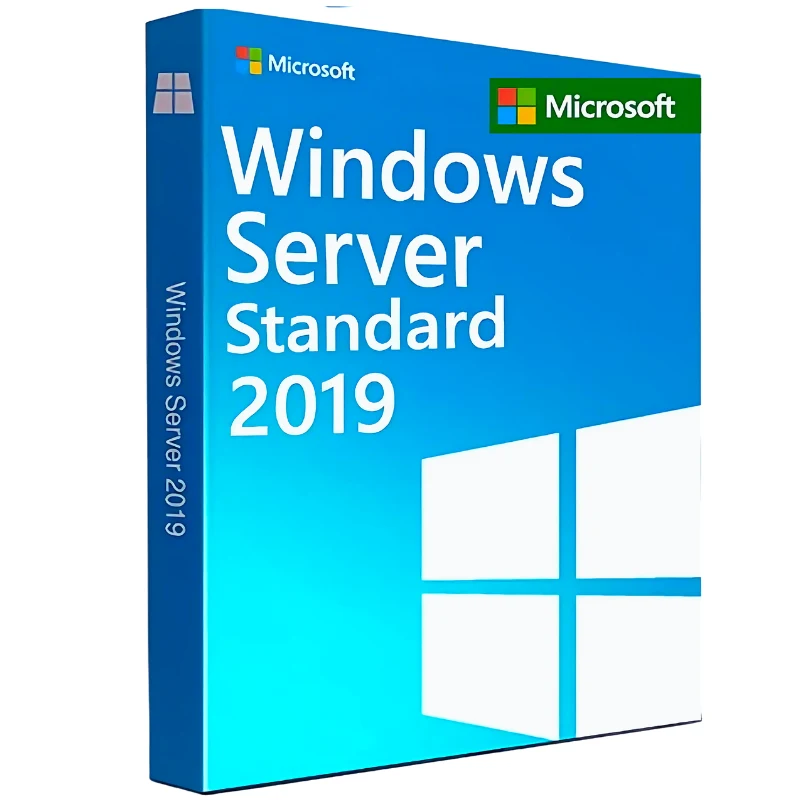
Windows Server 2019 Standard
29 $
Description
Windows Server 2019 Standard is a practical server operating system for businesses that need a stable platform for file storage, Active Directory, internal applications, virtualization, and everyday server workloads. It is not the newest Windows Server version, but it remains a strong choice for organizations that already use Server 2019 or need a reliable setup without immediately moving to a newer release.
This edition is especially useful for small and medium-sized businesses that need a full Windows Server environment, but do not require the unlimited virtualization rights and advanced datacenter features included in the Datacenter edition.
What is Windows Server 2019 Standard used for?
Windows Server 2019 Standard can be used as the foundation for many common business IT environments. It supports core server roles such as domain services, file sharing, print services, application hosting, remote access configuration, and Hyper-V virtualization for smaller workloads.
To summarize, Windows Server 2019 Standard is a good fit for:
- Small and medium-sized business server environments
- Active Directory and domain management
- File storage, print services, and internal applications
- Limited virtualization with Hyper-V
- Businesses already standardized around Windows Server 2019
If you are still comparing different server products, you can also explore our Microsoft software license store.
Standard edition in simple terms
The Standard edition is designed for general server use. It gives businesses the main Windows Server features needed for day-to-day infrastructure, without focusing on large-scale virtualization or software-defined datacenter scenarios.
For many companies, Standard is the more cost-effective option because it covers the essential server roles without paying for features they may not use. If your environment only needs a limited number of virtual machines, Windows Server 2019 Standard is usually more suitable than Datacenter.
Windows Server 2019 Standard vs Datacenter
The main difference between Standard and Datacenter is virtualization and advanced infrastructure capability. Standard is better for typical business server workloads, while Datacenter is intended for organizations running larger virtualized environments.
| Edition | Best for | Main difference |
|---|---|---|
| Windows Server 2019 Standard | General business servers and limited virtualization | More cost-effective for smaller or moderate server environments |
| Windows Server 2019 Datacenter | Heavy virtualization and advanced infrastructure | Better suited for large-scale VM and datacenter workloads |
If your setup requires more advanced virtualization rights, compare this edition with Datacenter 2019 edition for heavy virtualization.
Licensing and access considerations
Windows Server licensing is not only about activating the server operating system. In many business environments, users or devices that access the server also require the correct Client Access Licenses, depending on how the server is used.
Should you choose 2019, 2022, or 2016?
Windows Server 2019 Standard sits between older legacy environments and newer server deployments. It is more modern than Windows Server 2016, but not as current as Windows Server 2022. That makes it useful for businesses that want a stable and familiar server version without moving to the newest release.
If you are planning a newer infrastructure, compare this product with the newer Windows Server Standard version. If you are maintaining an older system, the older Server 2016 Standard license may still be relevant for existing deployments.
If you are not sure which Windows Server edition or version is right for your setup, ask us for help before buying.
Frequently Asked Questions
Does Windows Server 2019 Standard include Remote Desktop CALs?
No. The server license does not include Remote Desktop Services CALs. If users need RDS access, those licenses are purchased separately.
Is Windows Server 2019 Standard good for virtualization?
Yes, but mainly for limited virtualization needs. If your environment requires heavy virtualization, Datacenter is usually the better edition.
Should I choose Windows Server 2019 or 2022?
Choose Windows Server 2019 if your existing environment is based around it or if you need compatibility with current infrastructure. Choose Windows Server 2022 if you are building a newer setup and want a more current server version.
Can I use this for small business servers?
Yes. Windows Server 2019 Standard is commonly used for small and medium-sized business environments, including file services, domain management, and internal applications.
Browse more options in our Windows Server category.
Reviews
Excellent, just what I needed
Excellent, just what I needed
Dependable and professional seller as usual, A+
Dependable and professional seller as usual, A+
The entire transaction went very smoothly.
The entire transaction went very smoothly.
The delivery is reliable and quick. I've purchased several items and no issues or complaints.
The delivery is reliable and quick. I’ve purchased several items and no issues or complaints.