Microsoft Project 2021 Professional
29 $
Description
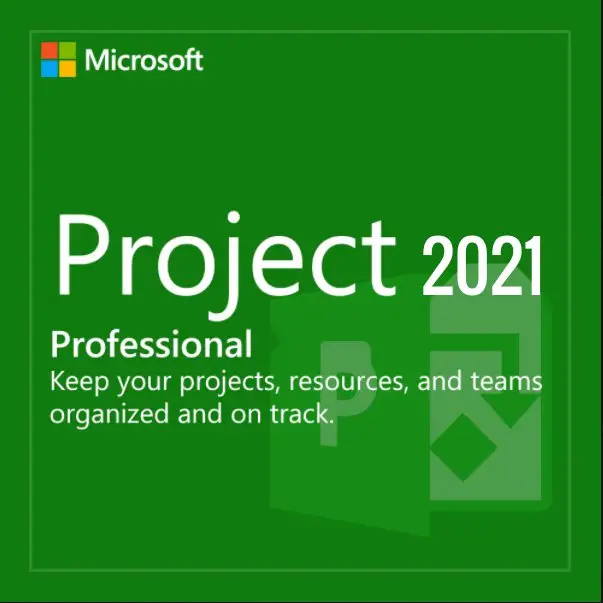
Microsoft Project 2021 Professional is a desktop project management tool for users who need structured planning, timelines, task tracking, resource management, and reporting without moving to a subscription-based project platform. It is a good middle option for businesses and project managers who want a newer standalone Project version, but do not necessarily need the latest 2024 release.
It is especially useful for teams that work with detailed schedules, dependencies, budgets, milestones, and resource planning. If you are comparing different versions, Project 2021 sits between the older Microsoft Project 2019 Professional and the newer Microsoft Project 2024 Professional.
Who is Project 2021 Professional for?
Project 2021 Professional is best suited for project managers, coordinators, consultants, construction teams, IT teams, and business users who need more control than a simple task list can provide. It helps organize project plans visually and gives users a clearer overview of deadlines, workloads, and progress.
What makes Project 2021 a practical choice?
Project 2021 Professional is newer than Project 2016 and 2019, but still keeps the familiar desktop workflow many users already know. This makes it a practical upgrade for users who want improved usability and a more current version without changing the way they manage projects completely.
If your current setup is built around older project files or legacy workflows, Microsoft Project 2016 Professional may still be relevant for comparison. For users who want the newest standalone version, Microsoft Project 2024 Professional is the better long-term option.
What to check before buying
Before purchasing, confirm that Project 2021 Professional matches your workflow and device setup. It is intended for Windows users who need a full desktop project management application. If you only need very basic task tracking, a simpler tool may be enough.
If your project planning also requires workflow diagrams, process maps, timelines, or organizational charts, Microsoft Visio 2021 Professional can be a useful companion tool alongside Project 2021.
If you are not sure which Microsoft Project version is right for your needs, contact us before purchasing and we can help you choose the correct option.
You can also explore other available products in our Microsoft software license store.
Frequently Asked Questions
Is Project 2021 Professional a subscription?
No. Project 2021 Professional is a standalone desktop version and does not require a monthly or annual subscription.
Who should use Microsoft Project 2021 Professional?
It is best for users who manage structured projects with timelines, resources, tasks, dependencies, and progress tracking.
Should I choose Project 2021 or Project 2024?
Choose Project 2021 if you want a modern standalone version without necessarily buying the newest release. Choose Project 2024 if you want the latest standalone Project version.
Can I open older Project files?
Project 2021 can usually work with many existing Project files, but compatibility should always be checked if your workflow depends on older project formats or specific add-ins.
Browse more options in our Microsoft Project category.
Reviews
Ordered from them before and it worked out great. Great deal and great instructions. Thanks
Ordered from them before and it worked out great. Great deal and great instructions. Thanks
Dude..it works. Thank you very much
Dude..it works. Thank you very much
Installed and registered, no issue at all
Installed and registered, no issue at all
I have bought from this seller previously and have had nothing but excellent service.
I have bought from this seller previously and have had nothing but excellent service.