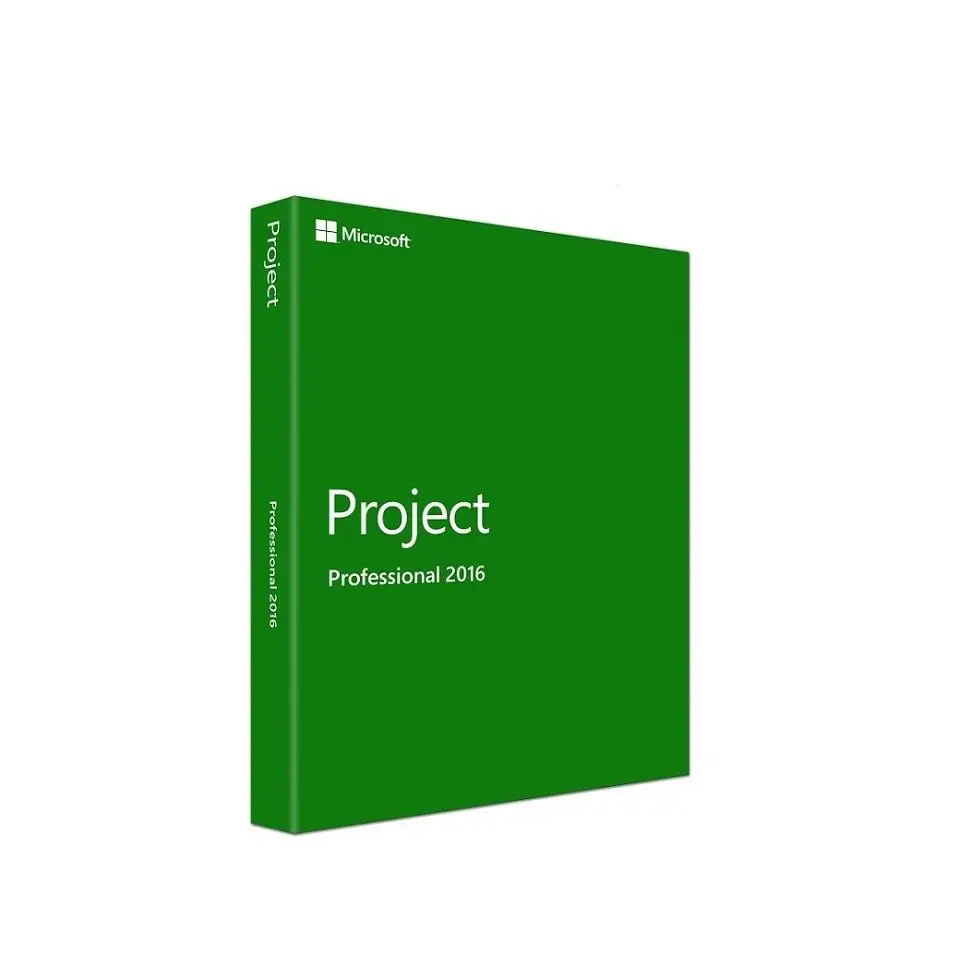
Microsoft Project Professional 2016
25 $
Description
Microsoft Project Professional 2016 is a standalone project management tool for users who need classic scheduling, task planning, Gantt charts, resource management, and project tracking on a Windows PC. It is mainly useful for older workflows, legacy environments, or users who specifically need the 2016 version instead of a newer Project release.
What’s included in your Project Professional 2016 license
Your purchase includes one Microsoft Project Professional 2016 key for one Windows PC. The key is unused, activates through Microsoft’s official servers, and covers a one-time installation with no subscription required. All Microsoft language versions are supported. Please note that Microsoft Project Professional 2016 reached end of mainstream support in October 2025 – Microsoft no longer provides security updates for this version. The software continues to function normally but will not receive further patches. If long-term security support matters for your environment, consider a newer version instead.
Microsoft Project Professional 2016 features
Microsoft Project Professional 2016 is a fully featured project management tool built for project managers who need reliable scheduling, resource management, and reporting capabilities in a locally installed application.
Core features include:
- Gantt charts – visualize project timelines and task dependencies
- Multiple visual timelines – create separate timelines for different audiences, shareable directly from the application
- Automatic and manual scheduling – switch between automated scheduling and full manual control per task
- Resource Engagements – formally request, negotiate, and lock resources across projects to prevent overbooking
- Resource Capacity Heat Maps – visual overview of resource utilization across your team at a glance
- Critical path analysis – automatically identify tasks that directly affect the project end date
- Baseline tracking – compare planned vs actual progress at any point in the project
- Budget and cost tracking – monitor project spend against planned budgets
- Built-in reports – dashboard and visual reports for stakeholder communication
- Tell Me assistant – find features quickly by typing what you need
- Project Server and SharePoint connectivity – connect to on-premises collaboration environments
- Office add-in support – extend functionality through the Office add-in store
If your project planning also involves process diagrams, timelines, workflow maps, or organizational charts, Microsoft Visio Professional 2016 can be a useful companion tool alongside Project 2016.
Who is Project Professional 2016 for
Microsoft Project Professional 2016 is the right choice if you:
- Need a proven, affordable project management tool with a one-time payment and no subscription
- Manage projects with multiple resources and need formal resource request and approval workflows
- Use Project Server or SharePoint for team collaboration on-premises
- Want a reliable, stable version at the best price without paying for the latest release
- Are replacing an existing Project 2016 license on a new machine
If you need long-term Microsoft security support or want the latest AI-powered scheduling and cloud integration features, consider upgrading to Microsoft Project 2021 Professional or Microsoft Project 2024 Professional instead.
System requirements
Before purchasing, confirm your PC meets Microsoft’s minimum requirements for Project Professional 2016:
- Processor: 1 GHz or faster
- RAM: 2 GB minimum
- Storage: 3 GB available disk space
- Operating system: Windows 10 or Windows 11
- Display: 1024 x 768 resolution minimum
- Graphics: DirectX 10 compatible
- Internet: Required for installation and activation
If you experience any issues during activation, contact our support team by email. We respond on the same day and will assist until your software is fully activated.
Frequently asked questions
Does this license expire?
The license itself is a perpetual one-time purchase and does not expire. However, Microsoft ended security update support for Project Professional 2016 in October 2025. The software continues to work normally but will no longer receive security patches.
Can I install this on more than one PC?
This key covers activation on one PC.
Should I buy Project 2016 or a newer version?
If budget is the priority and you need the software for short-term use or a specific legacy environment, Project Professional 2016 provides full core functionality at the best price. If you need long-term security support or the latest features, upgrading to Project 2019 professional or 2024 is recommended.
Browse more options in our Microsoft Project category.
Reviews
I have been shopping here for several years now
I have been shopping here for several years now
Prompt response. Exactly as expected.
Prompt response. Exactly as expected.
Worked Perfectly!
Worked Perfectly!
The best 5 stars, Thank you. My go to for digital keys.
The best 5 stars, Thank you. My go to for digital keys.